A GDPR cookie popup is usually added because legal requirements dictate it. However, marketing then notices analytics data declining, product teams observe additional friction during signup, and no one agrees on whether the banner is "good enough." That describes the actual situation for many organizations.
A workable setup has to do three things at once. It has to satisfy consent requirements, avoid wrecking first impressions, and preserve enough signal for the business to keep making decisions. If you only optimize one of those, the other two usually break.
The Undeniable Rules of GDPR Cookie Consent
A gdpr cookie popup starts with one basic split: strictly necessary cookies versus non-essential cookies.
Strictly necessary cookies support the service the visitor asked for. Think login state, cart persistence, security, or session continuity. Those can load without opt-in. Analytics, advertising, personalization, retargeting, and most attribution scripts belong in the non-essential bucket unless you have a very specific legal basis and implementation that says otherwise.
What valid consent looks like in practice
GDPR consent for non-essential cookies has to be freely given, specific, informed, and unambiguous. In banner terms, that means:
- No default yes. If your analytics or ad tags load before the click, your setup is already in trouble.
- No pre-checked boxes. Users must actively choose.
- No implied consent from scrolling, closing the banner, or continuing to browse.
- No forced consent wall for general content access if the user should reasonably be able to refuse.
The easiest operational rule is simple: if a script isn't essential, block it until the user explicitly says yes.
Practical rule: Treat silence as no consent. Treat dismissal as no consent. Treat only an affirmative click as consent.
The checklist most teams should use
When I review a banner, I'm looking for a short list of essentials before I care about copy or styling.
-
Cookie categories are clear
Visitors should be able to see what falls under necessary, analytics, preferences, and marketing. -
Buttons present a real choice
“Accept all” without a clear reject path is a risk. So is burying rejection inside a second screen. -
The first layer explains purpose
Don't dump legal text into the popup. Say what the cookies do in plain language. -
Detailed policy exists behind the banner
The banner gives the summary. The policy carries the full explanation.
For teams doing usability work, cookie handling for UX researchers is a useful reference because it frames consent not just as compliance text, but as part of the broader research and product experience.
What gets teams into trouble
The most common failure isn't the wording. It's the mismatch between the banner and the actual behavior of the site.
A banner can look polished and still be wrong if Google Analytics, Meta Pixel, Hotjar, LinkedIn Insight Tag, or custom attribution scripts fire before consent. That's why legal review alone won't save you. Engineering has to verify runtime behavior.
A second failure point is classification drift. A team launches with a clean setup, then adds a chat widget, A/B testing tool, embedded video, review widget, or affiliate app later. Suddenly the site has more cookies than the banner discloses.
Use this standard internally:
| Area | Must-have standard |
|---|---|
| Consent default | Non-essential cookies off by default |
| Choice | Accept and reject both easy to use |
| Information | Plain-language explanation plus detailed policy |
| Control | Users can change preferences later |
| Enforcement | No non-essential scripts before consent |
If your gdpr cookie popup doesn’t meet those basics, design tweaks won’t fix it.
Designing a Cookie Banner That Protects UX
Most bad cookie banners fail twice. They annoy users, and they still don’t create trustworthy consent.
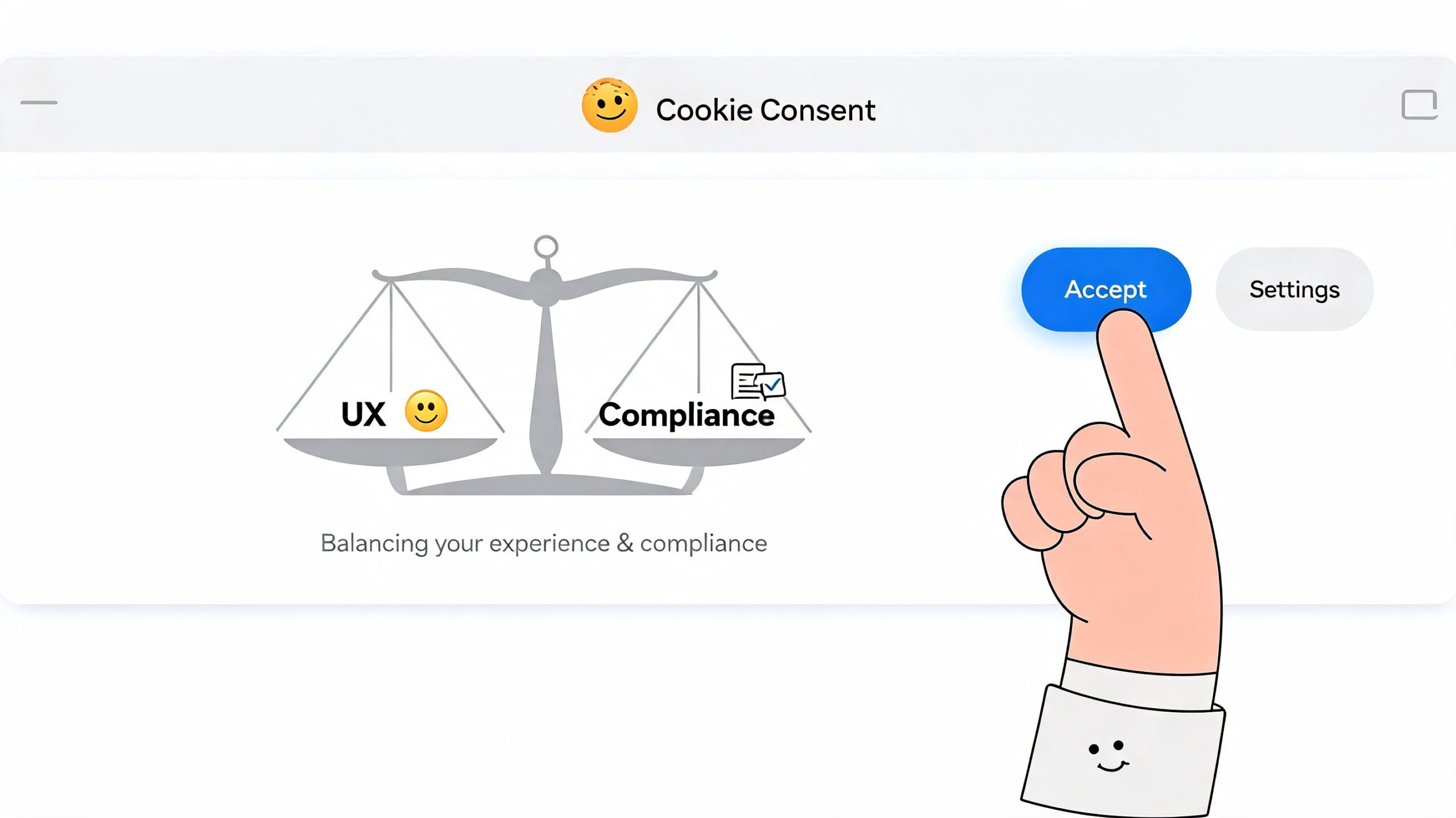
A better approach is to design for clarity first. The banner should interrupt as little as possible while making the choice obvious. That sounds like a soft UX principle, but it has hard business consequences. Optimized banners with granular controls and value-focused messaging can yield 15-25% higher acceptance rates compared to binary choices, and benefit-focused copy on SaaS landing pages has been shown to lift consent by 22% according to Transcend’s cookie consent banner guidance.
Modal or footer
This is usually the first design choice, and there isn’t one universal answer.
A modal works when you need a high-confidence consent event before any non-essential client-side tooling can start. It forces attention, which can be useful on content sites with lots of third-party tags. The trade-off is obvious. It adds friction right away.
A footer banner feels lighter. It preserves more visual continuity and can work well when your page experience is simple and your initial layout needs to stay visible. The downside is that users may ignore it, and some teams respond by making it more aggressive, which usually creates a worse experience.
A simple decision frame helps:
- Choose a modal when third-party dependencies are messy and strict blocking is harder to guarantee elegantly.
- Choose a footer when the brand experience matters heavily on first paint and your script governance is already disciplined.
- Avoid hybrid clutter where a footer opens a dense modal with five layers of toggles. That’s the worst of both patterns.
Equal buttons matter more than clever copy
If “Accept all” is bright, large, and centered while “Reject” is a low-contrast text link, users notice. Regulators do too.
The best banners use equal visual weight for primary choices. Same hierarchy. Same prominence. Same ease of action. That doesn’t mean ugly or flat. It means fair.
What usually works well:
- Short opening line that explains purpose
- Three clear actions such as Accept all, Reject all, and Settings
- Granular controls on the second layer for analytics, preferences, and marketing
- Consistent button styling across accept and reject paths
Good consent UX doesn’t hide the no. It makes yes and no equally available, then earns the yes with clarity.
Say what the cookies do, not what category they live in
“Statistics” is technically correct and practically weak. Visitors respond better when they understand the trade.
Better wording looks like this:
-
Analytics for better UX
Helps us understand which pages work and where visitors get stuck. -
Preferences
Remembers your choices, such as language or interface settings. -
Marketing
Helps us show more relevant offers and measure campaign performance.
That’s still honest. It just uses human language.
If you’re trying to reduce funnel damage on commercial pages, the copy should align with what the visitor is already doing. For example, on a trial page, you might explain analytics in terms of improving onboarding flow. On a product detail page, you might explain preferences in terms of saving shopping choices. That same principle shows up in broader conversion rate improvement tactics for websites. Friction works best when it feels proportional to the task at hand.
What not to do
Here’s the short blacklist:
- Don’t use fear copy about degraded functionality when only non-essential cookies are being refused.
- Don’t hide reject in a tiny text link.
- Don’t overload the first layer with legal paragraphs.
- Don’t ask for everything at once if a second-layer settings view can separate categories cleanly.
The best gdpr cookie popup feels deliberate. Users may still decline, but they won’t feel tricked. That matters for trust just as much as it matters for consent rates.
Your Technical Implementation Blueprint
Most compliance failures happen below the design layer. The banner looks fine, but the scripts fire anyway.
That’s why implementation should start with control of execution, not visuals. If non-essential tags can run before consent, the rest is decoration.

Start with a real cookie audit
Before you configure a gdpr cookie popup, inventory the scripts and cookies already on the site. Use a scanner from a CMP such as Cookiebot, OneTrust, or consentmanager, then verify manually in the browser.
You’re looking for four things:
- What loads on first page view
- Which vendor sets each cookie
- What category each item belongs to
- Whether any script is bundled inside another tag
Teams usually discover hidden dependencies at this stage. A chatbot may inject analytics. A heatmap tool may create identifiers. A tag manager container may load more tags than marketing remembers approving.
Choose a CMP that can actually enforce consent
A Consent Management Platform isn’t just a banner builder. It has to act as a traffic cop for scripts.
The practical feature list is straightforward:
| CMP capability | Why it matters |
|---|---|
| Script blocking before consent | Prevents early firing of non-essential tags |
| Granular category controls | Supports specific consent choices |
| Consent event API | Lets your stack react to user choices |
| Consent logging | Helps prove what was shown and selected |
| Easy withdrawal flow | Supports preference changes later |
A rigorous implementation means auditing all cookies, integrating a CMP using a framework like IAB TCF v2.0, and using a tag manager to queue and block non-essential tags until consent is given. One major failure point is technical blocking itself. Studies show 70% of banners fail to block cookies before consent, according to consentmanager's GDPR cookie banner guide.
Use tag manager as the enforcement layer
For most SaaS and ecommerce stacks, Google Tag Manager is the cleanest place to centralize behavior. The pattern is simple:
- Load the CMP first
- Hold non-essential tags in a blocked state
- Listen for consent events
- Release only the tags allowed by the user's choice
In practical terms, your page should initialize consent state before analytics, ads, session replay, affiliate tools, or personalization scripts become eligible to fire.
A conceptual flow looks like this:
- User lands on page
- CMP checks existing consent
- If no consent exists, non-essential tags remain queued
- User accepts analytics only
- Analytics tags fire, marketing tags stay blocked
That's the logic. The exact implementation varies by platform, but the principle shouldn't.
A walkthrough can help if your dev team needs a visual reference:
Verify behavior like an adversary would
Never trust the banner preview. Test the site in an actual browser session, in a fresh private window, and on Safari as well as Chrome.
Use browser developer tools to check whether cookies appear before consent. Watch requests, not just UI state. If a script sends data server-side before the visitor clicks, the fact that your CMP later shows “rejected” doesn't help.
Technical reality: A compliant-looking banner can still fail if one old custom script bypasses the consent flow.
For higher-risk sites, especially stores with many plugins or multiple embedded vendors, it's worth adding an external security-style review. Affordable Pentesting external assessment services can be a useful model for validating what loads from outside your stack, which often surfaces trackers teams forgot were present.
Handle popups, overlays, and behavioral tools carefully
Teams often remember GA4 and ad pixels, then forget the long tail. Exit-intent tools, survey widgets, chat, session replay, affiliate overlays, and recommendation engines all need classification and gating.
That's especially relevant if you use any kind of exit intent popup strategy. These tools can support conversion, but only if they respect the same consent logic as the rest of the site. If they inject tracking or third-party storage before a user opts in, they belong behind the gate.
The best implementation is boring in the right way. Every script has an owner, a category, a trigger condition, and a test case. That's how you keep the banner from becoming a legal veneer over uncontrolled tagging.
Saving Your Analytics and Attribution
Most growth teams feel the pain at this stage. You add a gdpr cookie popup, your reports lose continuity, and suddenly channel performance looks unstable.
The scale of the measurement gap in Europe is bigger than many teams expect. Strictly compliant GDPR banners typically achieve only 3–7% opt-in rates for non-essential, tracking-heavy cookies, which means up to 93–97% of EU traffic may be invisible in standard frontend analytics dashboards on setups that depend on individual-level cookies, according to Swetrix's analysis of GDPR cookie popups.

What breaks first
Cookie-based measurement tends to fail in a predictable order.
A/B testing gets noisy because too few eligible sessions carry the full analytics payload. Multi-touch attribution degrades because ad platforms and analytics suites lose continuity across visits. Funnel analysis starts undercounting. Retargeting audiences shrink. LTV reporting gets messier because acquisition identifiers disappear before they can tie back to billing outcomes.
That's why teams often think the banner “hurt performance” when the first problem is visibility, not conversion. You can't optimize what you can't observe well.
Separate business questions from tracking methods
The fix isn't “get more cookies” at any cost. The fix is to ask better measurement questions and rely less on fragile client-side identifiers.
A stronger framework looks like this:
| Business question | Weak method | More resilient approach |
|---|---|---|
| Which channels drive signups | Last-click browser cookie | Landing URL, referrer, UTM capture where allowed, server-side event linkage |
| Which pages create intent | Frontend only event sprawl | Key event instrumentation tied to meaningful page actions |
| Why visitors leave | Session replay dependence | On-site surveys, form feedback, exit questions |
| Which campaigns create revenue | Ad-platform reporting alone | First-party conversion capture tied to billing or CRM outcomes |
This shift changes team behavior. Instead of trying to reconstruct every anonymous touchpoint, you prioritize signals that survive consent constraints.
If your reporting stack needs every visitor to accept marketing cookies before it becomes useful, the stack is the problem.
Use consent-aware analytics patterns
There are a few practical patterns that hold up better.
One is modeled or aggregated reporting where the platform fills some gaps without pretending to know every individual path. Another is server-side event collection for events that arise from direct user actions tied to your own systems, as long as your implementation and legal basis are sound. A third is first-party context capture such as landing page, referrer, campaign parameters, selected plan, and survey responses collected at moments where the user is already interacting with you.
For many teams, the right move is to reduce dependence on pageview-heavy dashboards and focus on commercially meaningful milestones:
- Product viewed
- Pricing page reached
- Trial started
- Checkout initiated
- Purchase completed
- Survey completed
- Offer accepted
Those events don't eliminate consent constraints, but they make your limited observable data far more useful.
Adapt attribution expectations by region
One practical mistake is demanding one reporting standard globally.
Your non-EU traffic may still support richer client-side analytics. Your EU traffic likely won't. That means your attribution model should tolerate regional asymmetry instead of forcing false precision. Comparing cleanly observed non-EU behavior with partially observed EU behavior in one undifferentiated dashboard leads to bad decisions.
For heatmap users, this distinction matters too. Tools that rely heavily on browser-side tracking can create a false sense of completeness. If you're already revisiting how visual behavior data fits into your stack, it helps to compare that with broader thinking on heat maps and Google Analytics alternatives, especially when consent limits what page-level behavior you can reliably observe.
Rebuild your stack around durable signals
The teams that handle GDPR well usually stop chasing perfect session reconstruction. They invest in a thinner, more intentional data layer.
That means:
- Fewer tags
- Clearer event definitions
- Stronger first-party data capture
- Better links between acquisition context and downstream outcomes
- Less dependence on third-party cookies for basic reporting
The result is a different kind of analytics stack. Smaller, but more trustworthy. Less obsessed with total volume. Better at answering revenue questions.
That's the adjustment after a gdpr cookie popup goes live. You stop treating missing browser data as a temporary nuisance and start designing measurement for a world where consent is limited by default.
Auditing, Logging, and Managing Consent
A gdpr cookie popup isn't finished when it goes live. It's finished when you can prove what happened, let users change their minds, and keep the setup accurate as the site evolves.
That operational side matters because the scale is huge. EU internet users spend an estimated 575 million hours per year interacting with cookie consent banners, which highlights why teams need an automated, reliable way to log and manage consent records at scale, as discussed in this analysis of cookie banner burden.
What your consent log should capture
If someone asks what a user consented to, you shouldn't be guessing from an old screenshot.
Your CMP or internal logging layer should record:
- Timestamp of the consent action
- Consent choices by category
- Banner or policy version shown
- Method of capture, such as banner click or settings panel update
- Proof of withdrawal or later change, if the user revises preferences
You don't need to make this more complicated than it is. What matters is consistency and retrieval. If the record exists but nobody can access it, it's not doing much for compliance.
Make withdrawal easy and permanent
Users need a visible way to revisit choices. In practice, that usually means a Manage Consent or Cookie Settings link in the footer and sometimes in the privacy policy as well.
The flow should be simple:
- User opens settings
- User changes categories
- Site updates consent state
- Previously blocked tools remain blocked, or previously allowed tools are disabled where possible
- Future page activity respects the updated selection
Many setups often get sloppy. They show the controls, but changing preferences doesn't reliably alter script behavior. Test the withdrawal path as seriously as the initial accept path.
A banner that collects consent but makes withdrawal awkward is incomplete.
Run a recurring audit
Consent governance gets easier when you assign it to a routine instead of treating it like a one-time project.
A practical review cycle should check:
| Audit item | What to verify |
|---|---|
| New scripts | No vendor has been added without classification |
| Pre-consent behavior | Non-essential cookies still stay blocked |
| Banner copy | Categories and descriptions still match reality |
| Withdrawal flow | Settings link works and changes persist |
| Regional targeting | EU visitors receive the right experience |
For ecommerce, this matters every time a theme app, loyalty widget, payments add-on, or review plugin changes. For SaaS, it matters every time product marketing adds a scheduling embed, analytics tool, onboarding widget, or ABM script.
A good owner for this process is usually someone in marketing ops, web ops, or growth engineering. Legal should advise. They shouldn't be the only team touching it.
The best long-term setup is boring and documented. You know which tools exist, why they load, what consent category they belong to, and who approved them. That's what keeps a gdpr cookie popup from turning into shelfware.
If you need better visibility after consent limits break your usual reports, Receiver is built for that reality. It helps SaaS and ecommerce teams unify intent signals, attribution context, surveys, and conversion actions in one place, so you can focus on revenue decisions instead of chasing incomplete browser data.